Nigeria marketplace
How Zweka works
Verified sellers. Chat on-platform. We hold the payment until you confirm you have the goods — so a stranger’s bank transfer is not your only option.
Buying
From find to confirm
Keep the chat and the payment on Zweka. Inspect before you confirm.
- 1
Find it
Browse by area and category, or search for what you need.
- 2
Chat on Zweka
Message the seller here — not a private WhatsApp first.
- 3
Pay in-app
Checkout holds the payment until you confirm you have the item.
- 4
Meetup or courier
Arrange handover the way the listing allows.
- 5
Inspect, then confirm
Only after you confirm is the seller paid out.
Prefer verified sellers. More in buying phones safely and spotting scam listings.
Selling
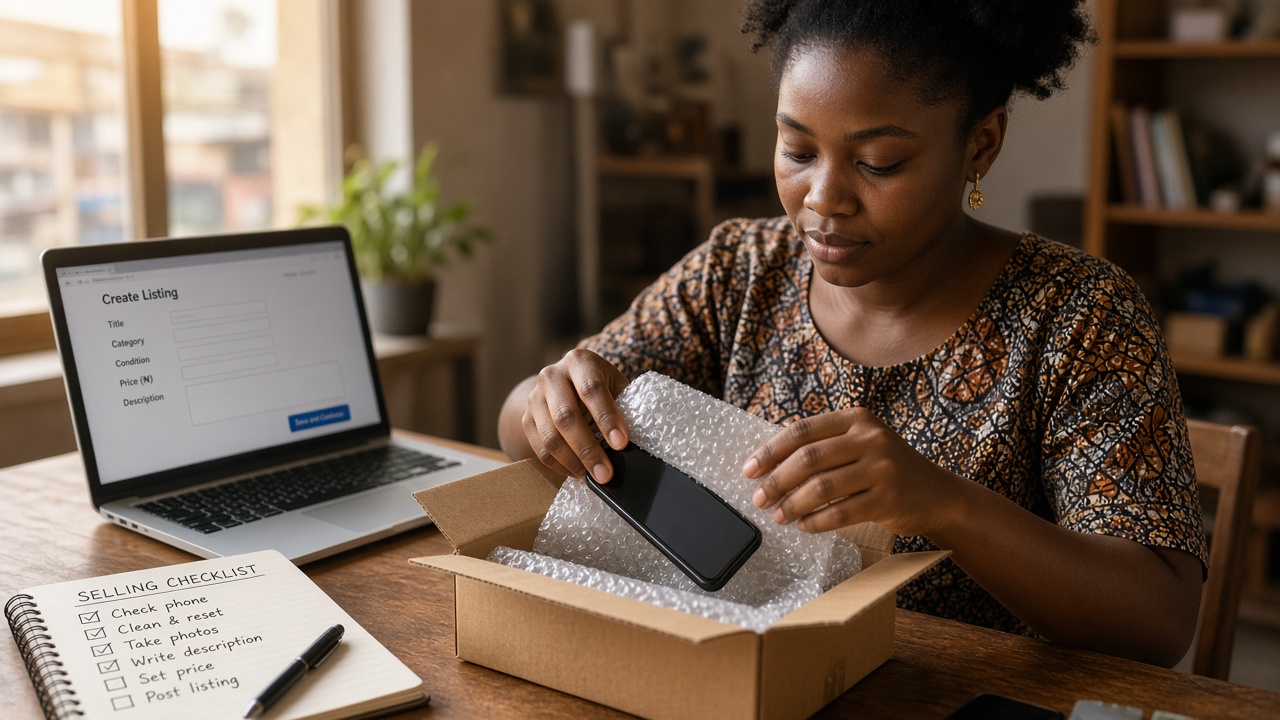
Verify, list, get paid
Identity first. Then publish in the mode that fits — and you can switch later.
- 1
Verify
Identity check before a listing can go live.
- 2
List
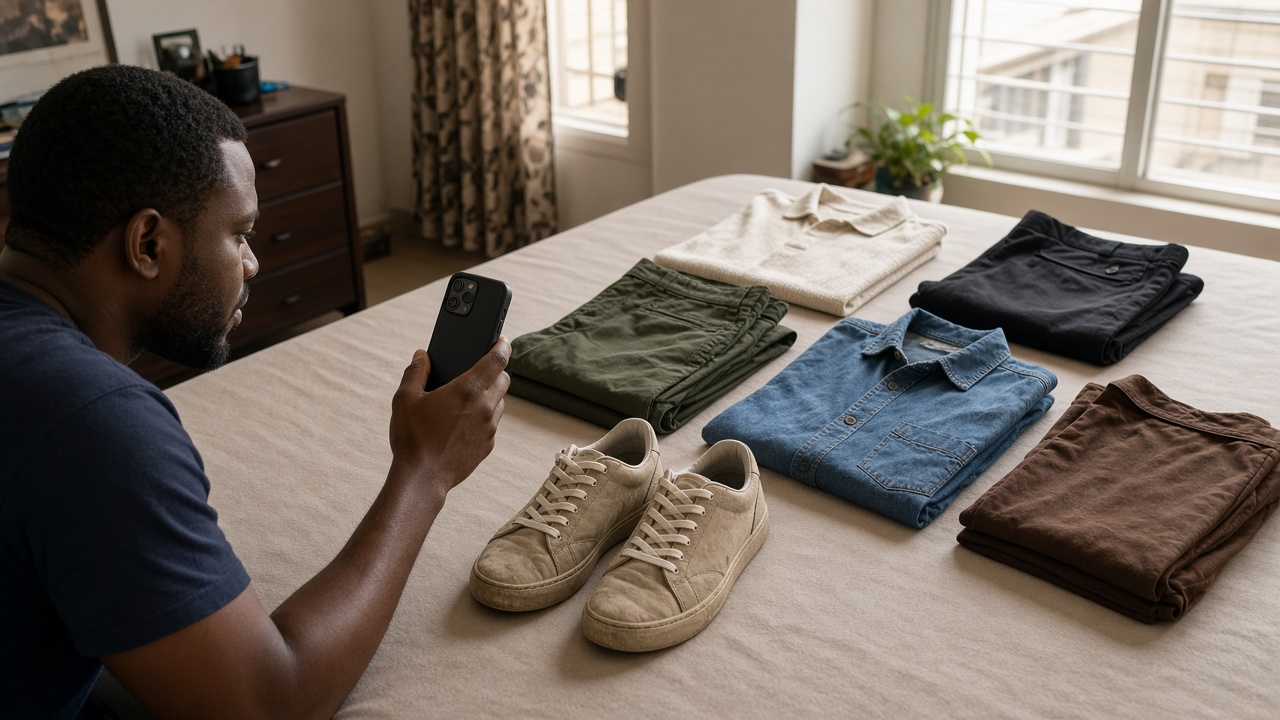
Honest photos, clear condition, and a fair ask.
- 3
Pick a mode
Deal, auction, swap, giveaway or preorder — switch later if you need.
- 4
Publish
Go live from the sell flow or finish drafts under Your listings.
- 5
Hand over
Reply fast, then meet or ship after the buyer pays.
Held payment
Money moves after you confirm
Pay through Zweka checkout. We instruct our payment partners to hold funds until you confirm, the window ends, or a dispute is resolved. Paying a seller’s personal account off-platform means we cannot reverse it.
Full walkthrough →- Pay in-app — not a private transfer
- Inspect the item before you confirm
- Seller payout only after confirmation or the window
- Dispute freezes the hold until we review
Listing modes
Five ways to move something
One listing flow. You choose how it sells — and you can change your mind later without re-uploading photos.
- Deal
Fixed price, below what it is worth — we check deals are real.
- Swap
Trade what you have for what you want, with optional cash on top.
- Auction
Proxy bidding with a fair close so the last second does not steal it.
- Free
Genuinely free. People say why they want it; you choose.
- Pre-order
Pay now; collect when stock lands and you mark it ready.
Delivery
Courier, meetup or pickup — whichever the listing allows. Meet in public; pack carefully for courier.
Meetup vs courier →If something goes wrong
Open a dispute from the order before you confirm. Upload photos and keep chat on-platform so there is a record.
Download
Apps on the way
iPhone and Android are in progress. Until then, use the website — same account, same held-payment protection.
Frequently asked questions
- Does Zweka hold my payment?
- Yes for paid modes. When you pay through Zweka checkout, funds are held until you confirm receipt, the confirmation window ends without a dispute, or a dispute is resolved.
- Do I need to verify before selling?
- Yes. Sellers complete identity verification before a listing can go live. That reduces fake shops and stolen-goods flippers.
- Can I swap or give something away?
- Yes. Listings can be deals, auctions, swaps or giveaways. You can switch mode later without re-uploading photos.
- Is the mobile app available?
- The iOS and Android apps are in progress. Meanwhile use zweka.ng in your browser — the same account works when the apps launch.
- What if the item is not as described?
- Do not confirm receipt. Open a dispute from the order with photos and chat evidence. Held funds stay frozen until we review.
More detail in the policies hub · Help centre