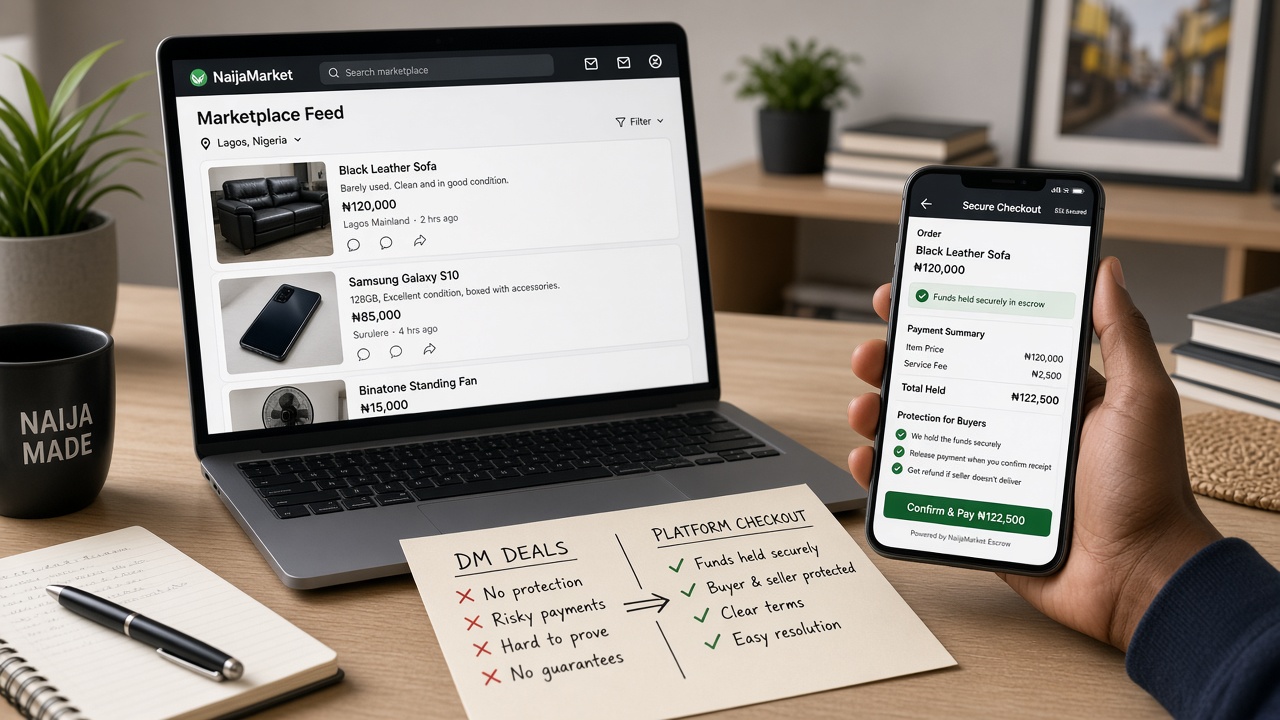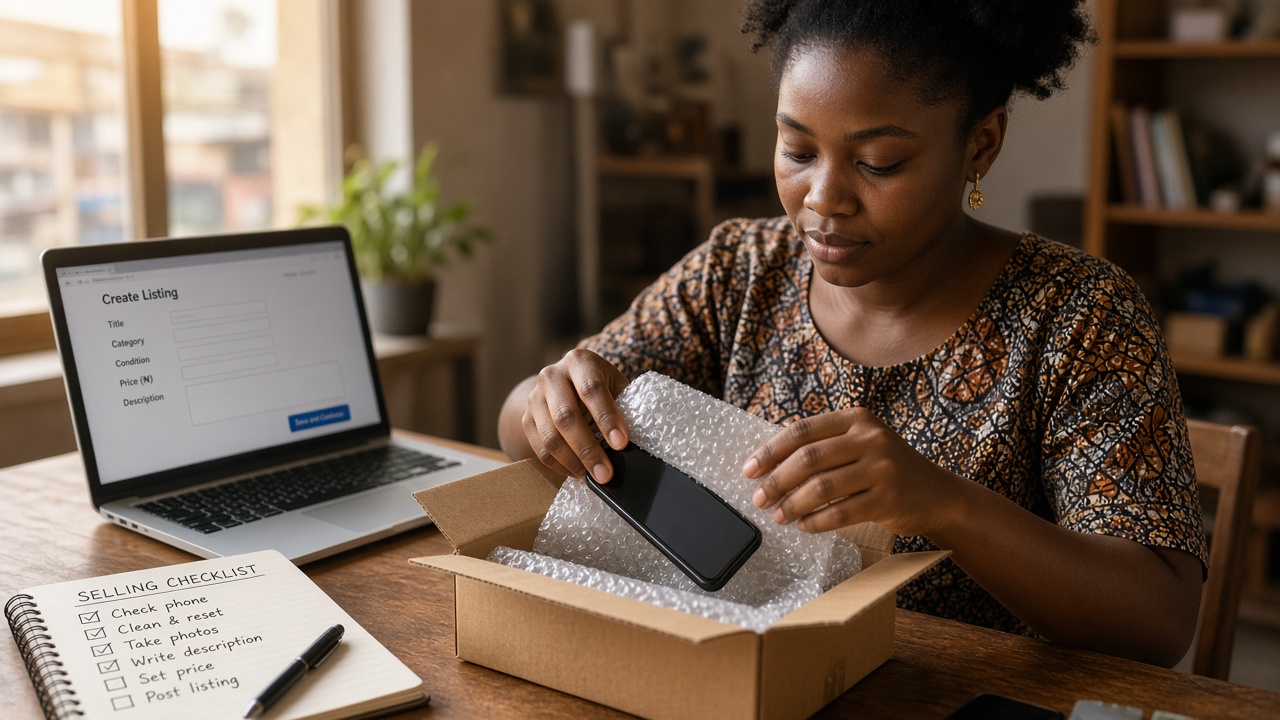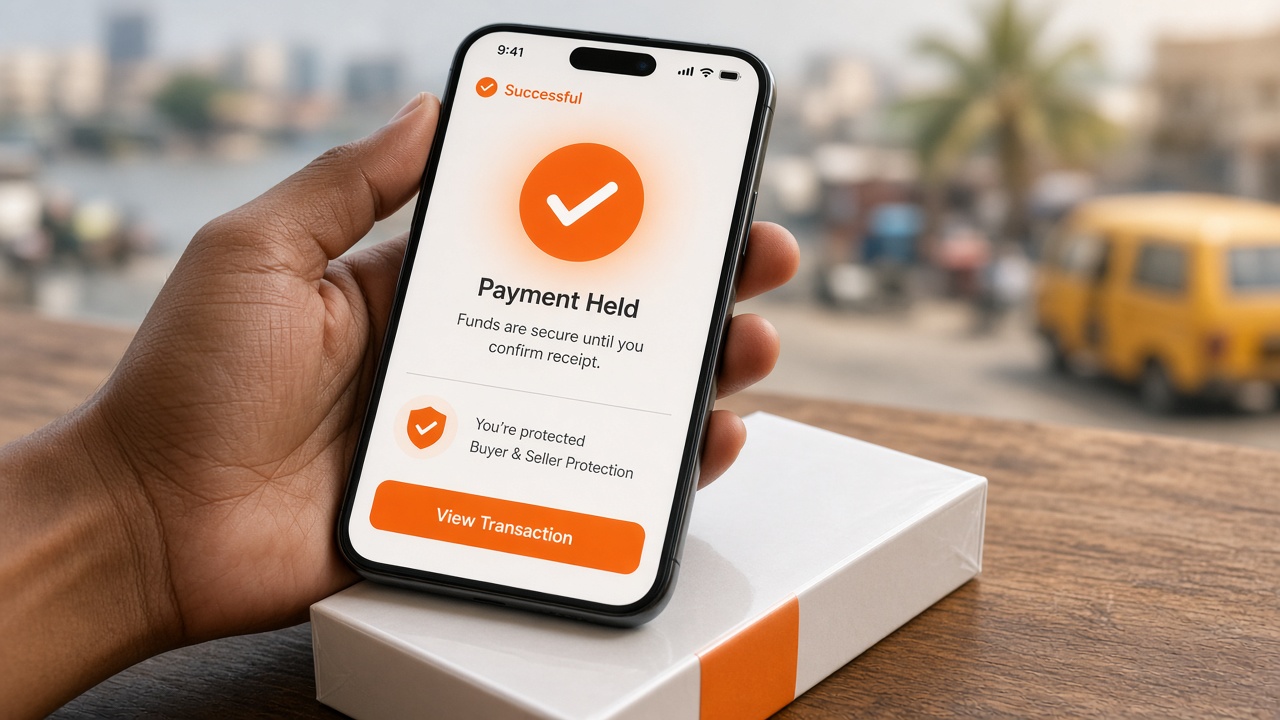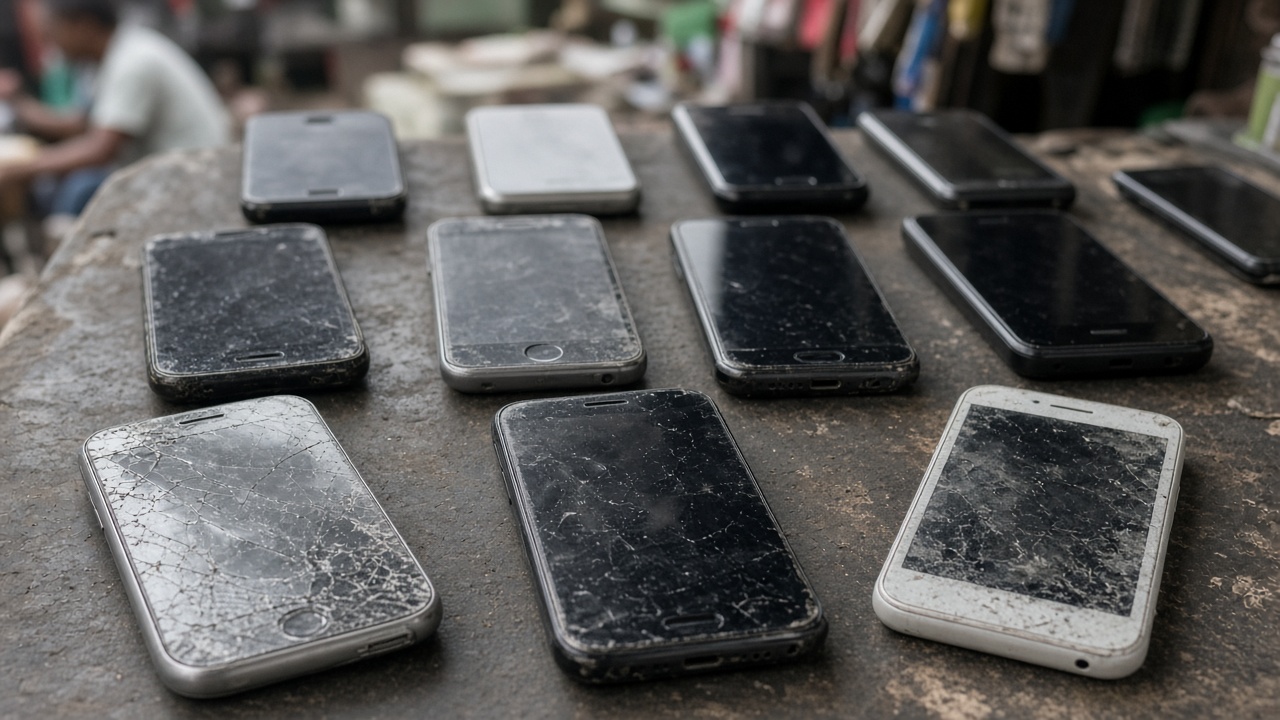
Used iPhones move every day in Lagos, Abuja and beyond. They also attract the highest scam volume. Pay on Zweka so funds are held until you Accept — then use this inspection list.
Before you pay
- Exact model (13, 14, 15…), storage and colour
- Battery health % if the seller can share a screenshot
- Find My / Activation Lock status
- Box, charger and Face ID working or not
- Seller verification mark on the listing
Browse iPhone search or phones. Prefer in-app checkout — held payment explained.
At handover
- Ask the seller to remove Find My in front of you.
- Check Settings → General → About for model and storage.
- Test Face ID, cameras, speakers and charging.
- Look for swollen batteries and ghost touch.
- Only then share your Accept code.
Red flags
Off-platform transfer, “my brother will bring it,” price far below market, stock photos. Full list: spot scam listings. Lagos-specific: buy used phone in Lagos.