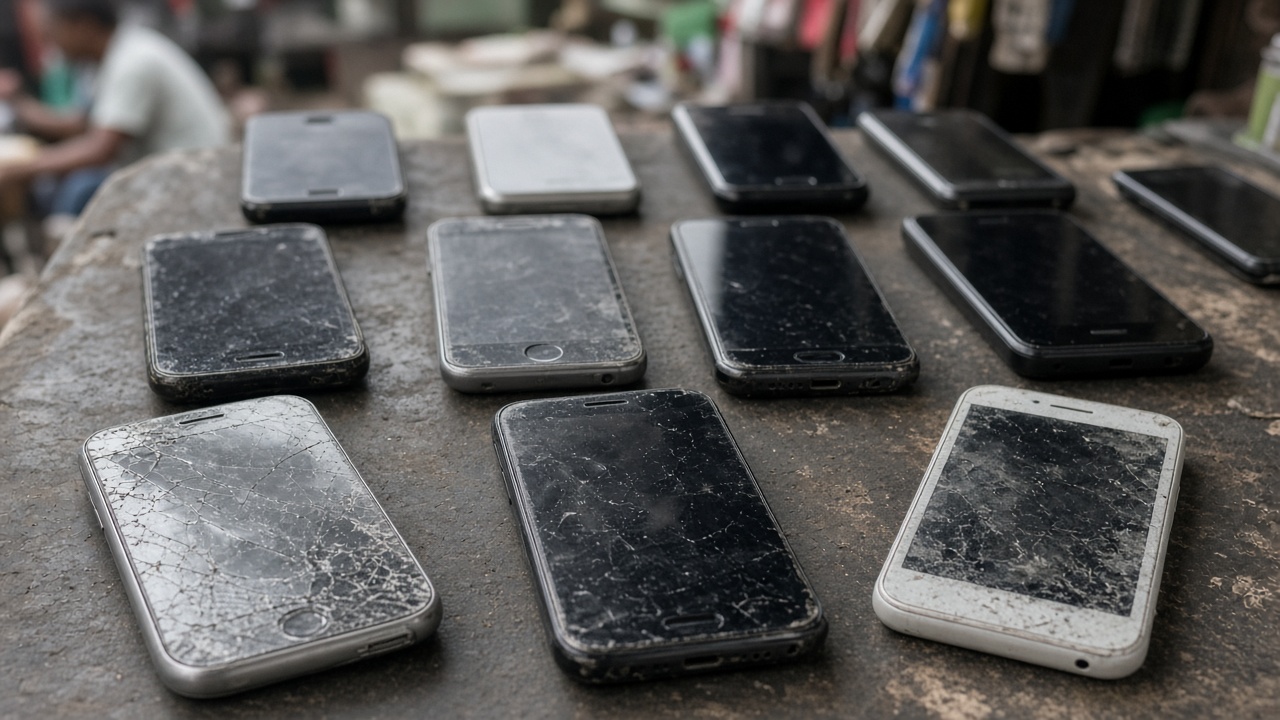
Not every upgrade needs a full bank transfer. Zweka swap mode lets you trade a phone for another — with optional cash top-up when values differ.
How to list a swap
- Verify
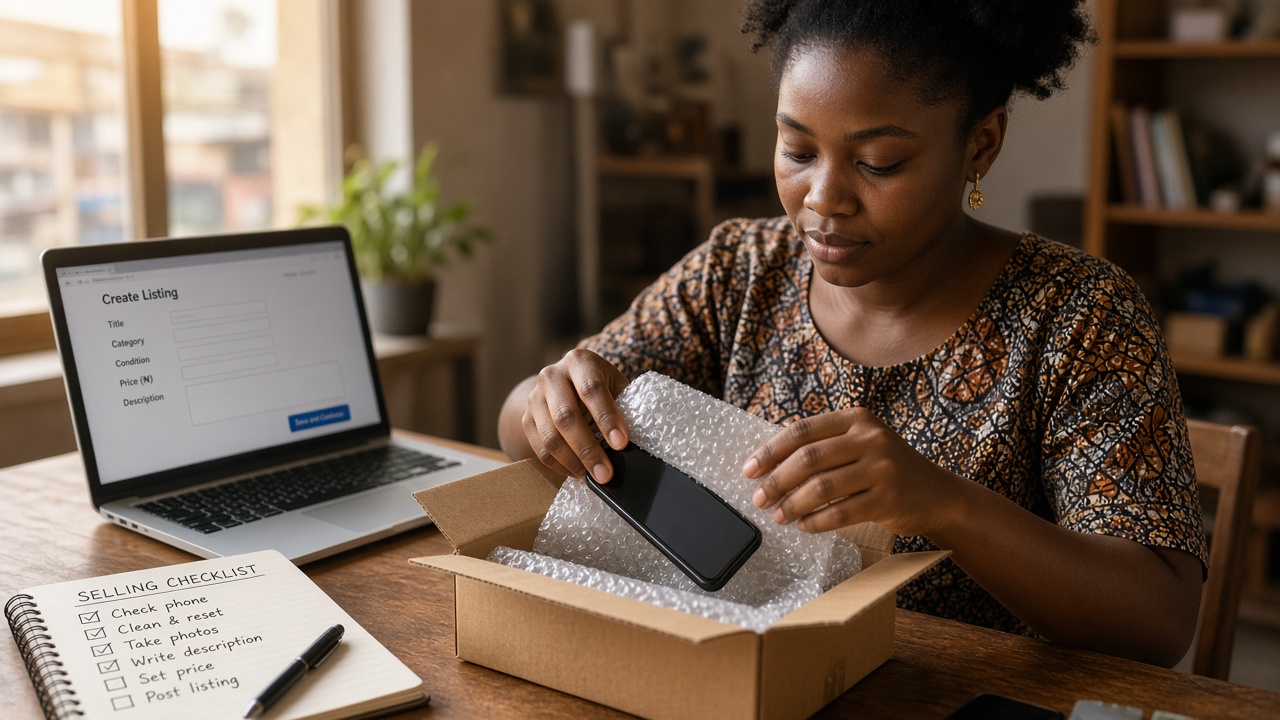
- Open Sell and choose swap
- Describe what you will accept (model, storage, condition)
- State whether cash top-up is OK and who pays it
Mode comparison: swap vs sell vs auction.
If cash is involved
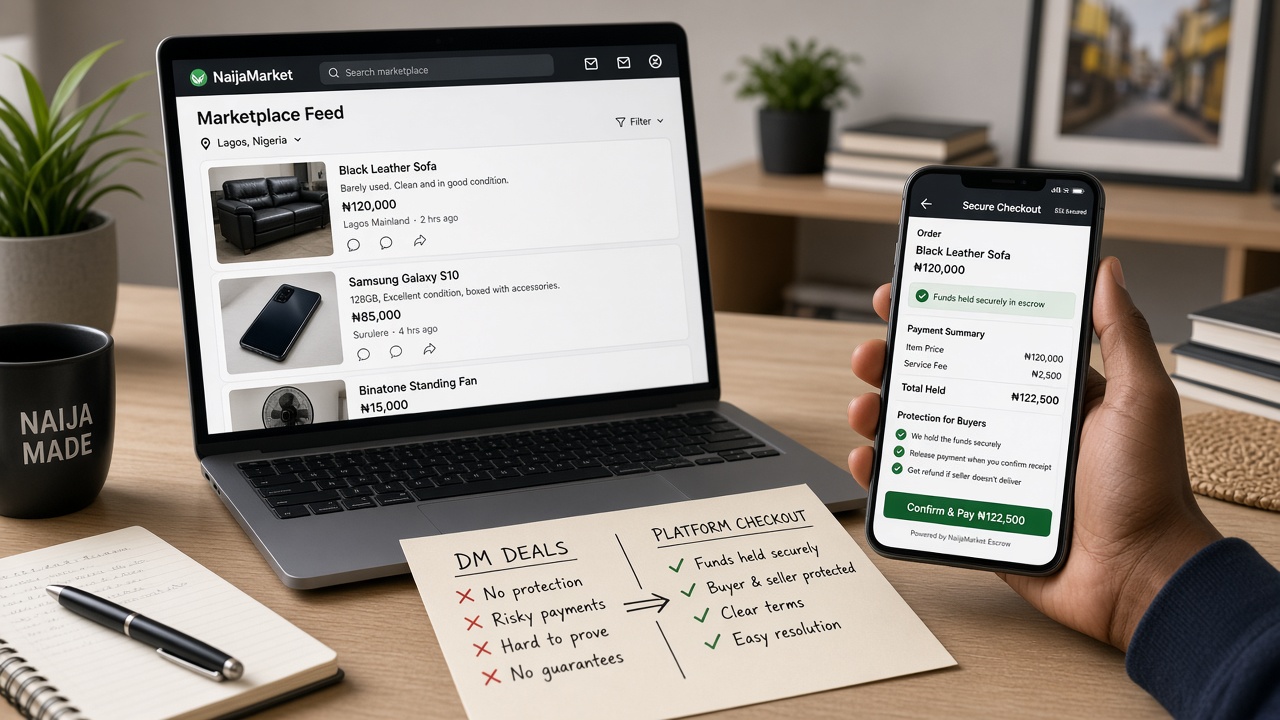
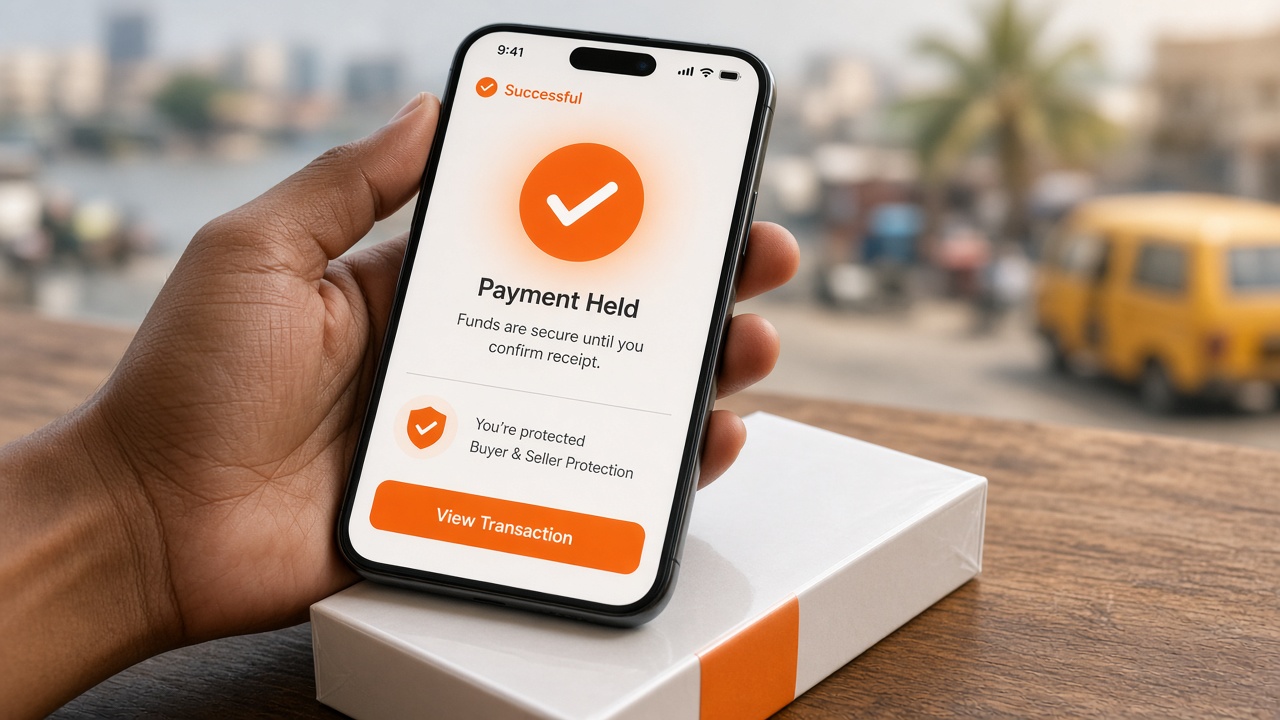
Pay the top-up in-app so funds are held until Accept — same protection as a normal deal. Held payment.
Inspection
Treat both devices like a purchase: Find My off, storage check, battery, cameras. Phone tips: used iPhone.